PASS THE PANIC
Hot Phone
Best friends.
Until the phone starts ticking.
Pass the hot phone to a friend before it explodes. Suddenly, nobody wants to stand next to you.
Play this game ↗A quick peek at an actual round.
 bobbagames.com
ONLINE MULTIPLAYER • UP TO 6 PLAYERS
Play with friends ↗


★ YOUR GROUP CHAT'S NEXT PLAN ★
Back to School is a free online multiplayer school party game.
Pass the panic. Steal the right answer. Get your revenge next round.
Friends still typing? You can practise solo, too.
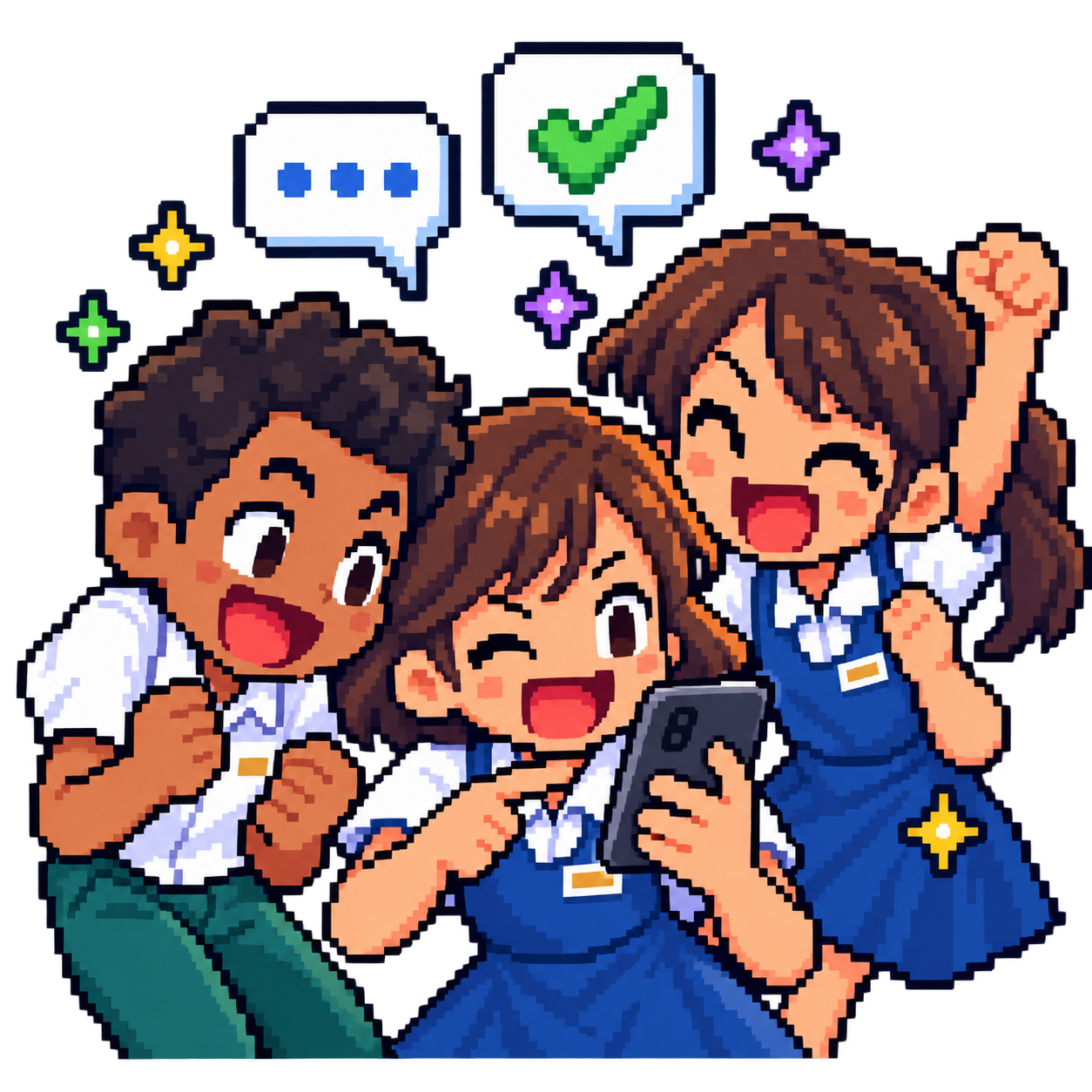
FROM GROUP CHAT TO GAME ON
Open the game and choose Play With Friends. Then:
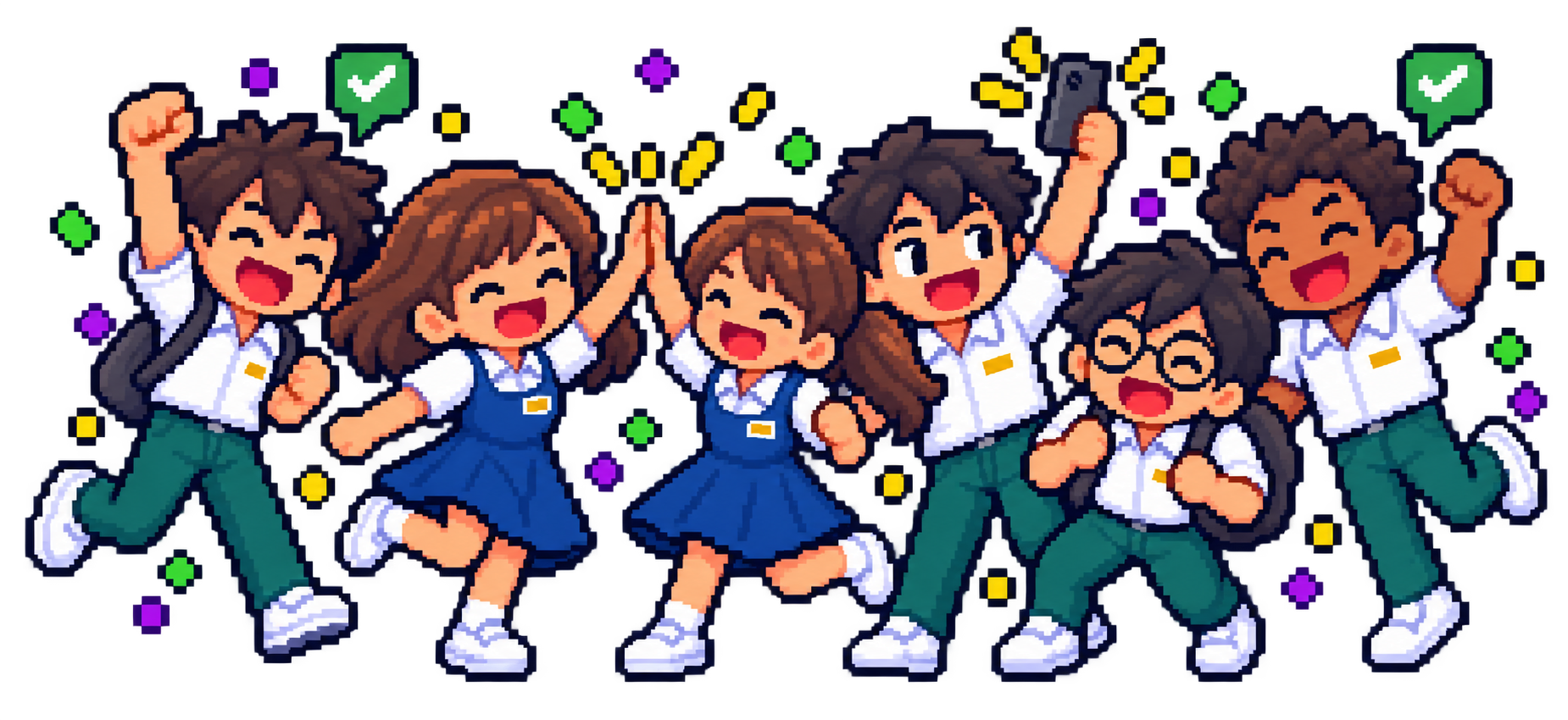
Pick a mini-game and make a room for your friends.
Send the invite link. Friends can also enter your room code.
Get ready together. The host starts the round.
Phone, tablet, or laptop. Bring whatever you've got.
FOUR WAYS TO TEST A FRIENDSHIP
Same friends. Very different ways to get even.
PASS THE PANIC
Best friends.
Until the phone starts ticking.
Pass the hot phone to a friend before it explodes. Suddenly, nobody wants to stand next to you.
Play this game ↗A quick peek at an actual round.
RACE TO BE RIGHT
Your clever friend
has competition.
Race your classmates to the right answer. Knowing it is one thing. Getting there first is another.
Play this game ↗A quick peek at an actual round.
DODGE. THROW. REPEAT.
That throw?
Definitely personal.
Charge your shot, dodge theirs, and turn a lucky escape into a very satisfying comeback.
Play this game ↗A quick peek at an actual round.
TRUST NO FURNITURE
One of these objects
is your friend.
Disguise yourself and keep quiet. Or become the seeker and catch your friends hiding in plain sight.
Play this game ↗A quick peek at an actual round.
Short highlights. Full-sized rivalries.
THE ROUND ENDS. THE LAUGHING DOESN'T.
Big confidence. Very unpredictable friends.
Win the round. Or give the group chat something to talk about.

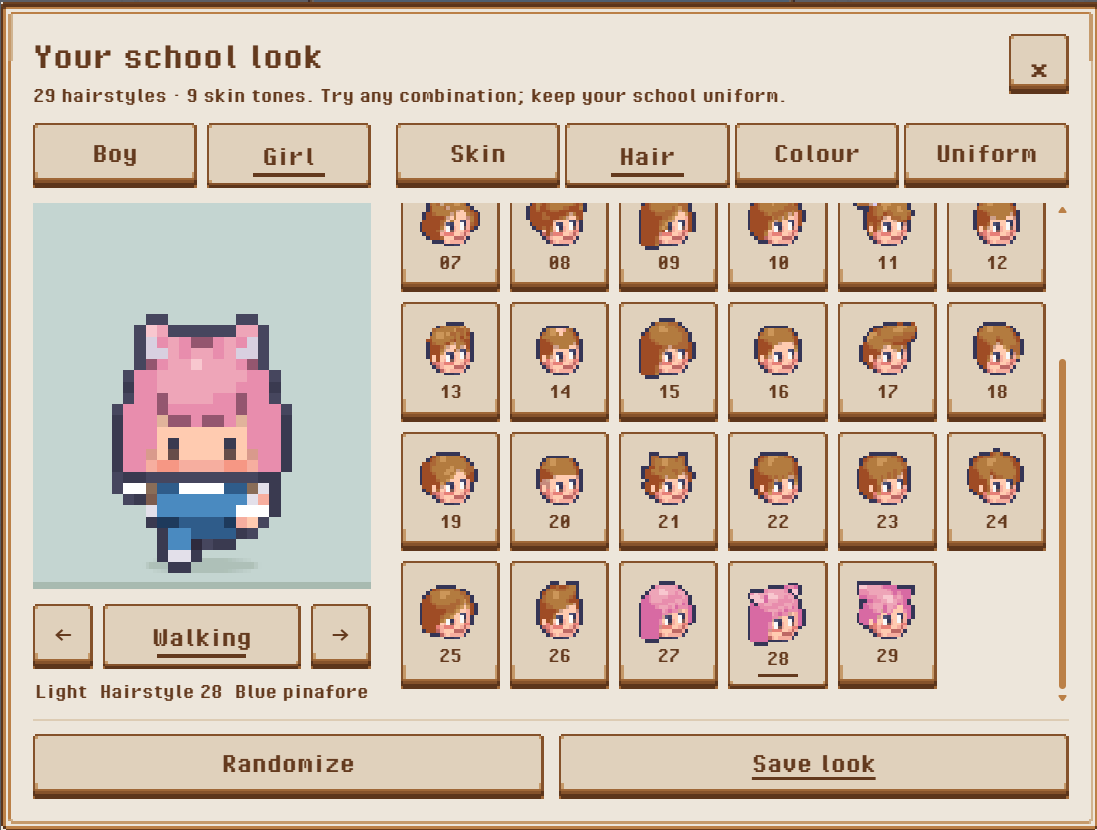
SHOW UP AS YOU
Make sure your friends know exactly who just passed them the phone.
Choose your look inside the game.
ONE MORE ROUND?
Make a room. Send the link. Let recess begin.
Play with friends ↗In the game: Play With Friends → Create a Room
BEFORE THE BELL RINGS
Back to School is BobbaGames' free online multiplayer school party game. Play Hot Phone, Math Rush, Dodge Battle and Hide & Sneak in your browser.
Open the game, choose Play With Friends and create a room. Share the invite link or room code so your friends can join you. Rooms support up to six players; the player limit depends on the mini-game.
Yes. Play in a modern mobile or desktop browser. You can also practise solo while waiting for friends. No app download is required.
Yes. Connect to the internet to enter the game and play multiplayer. Installing the web app gives you a home-screen shortcut; it does not make multiplayer available offline.
Back to School is free to play. The game and website are currently available in English.
Use our Contact Us form. Include the game name, your device and what happened. Your note is saved when you receive a reference number.
Add Back to School to your home screen.
On iPhone or iPad, open this site in Safari, tap Share and choose Add to Home Screen. On supported Android and desktop browsers, use Install or Add to Home Screen in the browser menu.